
Beginner Tips
Quick answers for Grand Gourmet newcomers: platform differences, save structure, difficulty expectations, controls, and what to know before the Baratie II opens.
Introduction
Beginner tips is the launch-window lifeline: quick, verified answers to the questions new restaurateurs actually search before and right after Grand Gourmet's October 2026 release. Kairosoft games look simple and hide depth, so the first hours matter — which platform to buy, how saves work, whether an easy mode exists, what carries over between days, and how the 30fps pixel presentation feels in motion. Every answer here comes from the official spec pages, the Japanese site's technical table, and store listings, with anything unconfirmed labeled as pending launch. Read this hub before you buy and again on day one; the five-card overview and FAQ below are designed to be consumed in under ten minutes.
Launch-Critical Questions
| Question | Short Answer | Confidence | Details |
|---|---|---|---|
| Easy mode? | No modes announced — auto-balanced | Official | Kairosoft standard |
| Save files | One per platform | Official | 300MB Switch / 750MB Steam |
| Voice acting | None — text only | Official | CERO A rating |
| Frame rate | 30fps all platforms | Official | 4K on Switch 2 TV |
| Paid DLC | None announced | Pending | Premium model |
New Player Essentials
Choosing Your Platform
Five platforms, one game — the decision guide
Save Structure Explained
One restaurant per platform, autosave on duty
Difficulty & Pace Expectations
No easy mode — and that is fine
Controls & Play Styles
Controller, touch, docked, and handheld
What Carries Over Between Days
The persistence checklist for new restaurateurs
Core Mechanics
The beginner-relevant mechanics are the ones official specs pin down. Saves: one save file per platform per the official spec, with autosave handling the daily loop. Difficulty: Kairosoft sims auto-balance — no announced easy or hard modes, just an economy that scales with your progression. Controls: controller support on consoles and PC, touch controls on mobile, handheld and docked play on Switch. Performance: a uniform 30fps target across all platforms with up to 4K resolution on Switch 2 TV mode and capable devices. Content scope: no voice acting per the official site, a CERO A family-friendly rating, twelve interface languages, and no announced paid DLC — one complete premium package.
Advantages
Grand Gourmet is unusually friendly to series newcomers because its systems teach themselves: the daily loop demonstrates itself in the tutorial shifts, menu development guides your first experiments with Sanji, and decor mistakes cost berries rather than progress. The single-save structure keeps decisions simple — no save-slot anxiety — and the premium, no-microtransaction model means a beginner can never be pressured into spending beyond the sticker price. For Kairosoft veterans, the known rhythm transfers directly; for ONE PIECE fans new to sims, the pixel presentation and familiar cast make the management layer approachable without any genre background.
Challenges
The beginner experience has real constraints worth knowing up front. One save file per platform means a shared console forces a shared restaurant — there is no per-player profile announced. No Switch 1 to Switch 2 upgrade path means platform choice is final at purchase. The 30fps cap is uniform, so players expecting 60fps presentation on powerful hardware should calibrate expectations. And because the game is unreleased, some beginner questions — demo availability, post-launch updates, exact tutorial length — simply have no official answer yet; this hub marks those clearly rather than guessing.
Frequently Asked Questions
Is Grand Gourmet good for players new to Kairosoft games?+
How long is the game?+
Does the game require an internet connection?+
Should I pre-order or wait for reviews?+
Quick Tips
Set your language before the first tutorial shift — Grand Gourmet ships with twelve interface languages, and the option lives in the settings menu from the title screen.
Free up the full download space before launch day: 300MB on Switch or 750MB on Steam sounds small until a launch-day queue makes storage cleanup annoying.
Follow the official X account (@opgame_official) for launch-window patch news — day-one fixes and update notes surface there first.
Play the opening hours with sound you can ignore but presence you can spare — text-only storytelling rewards reading the Baratie crew's banter.
Featured
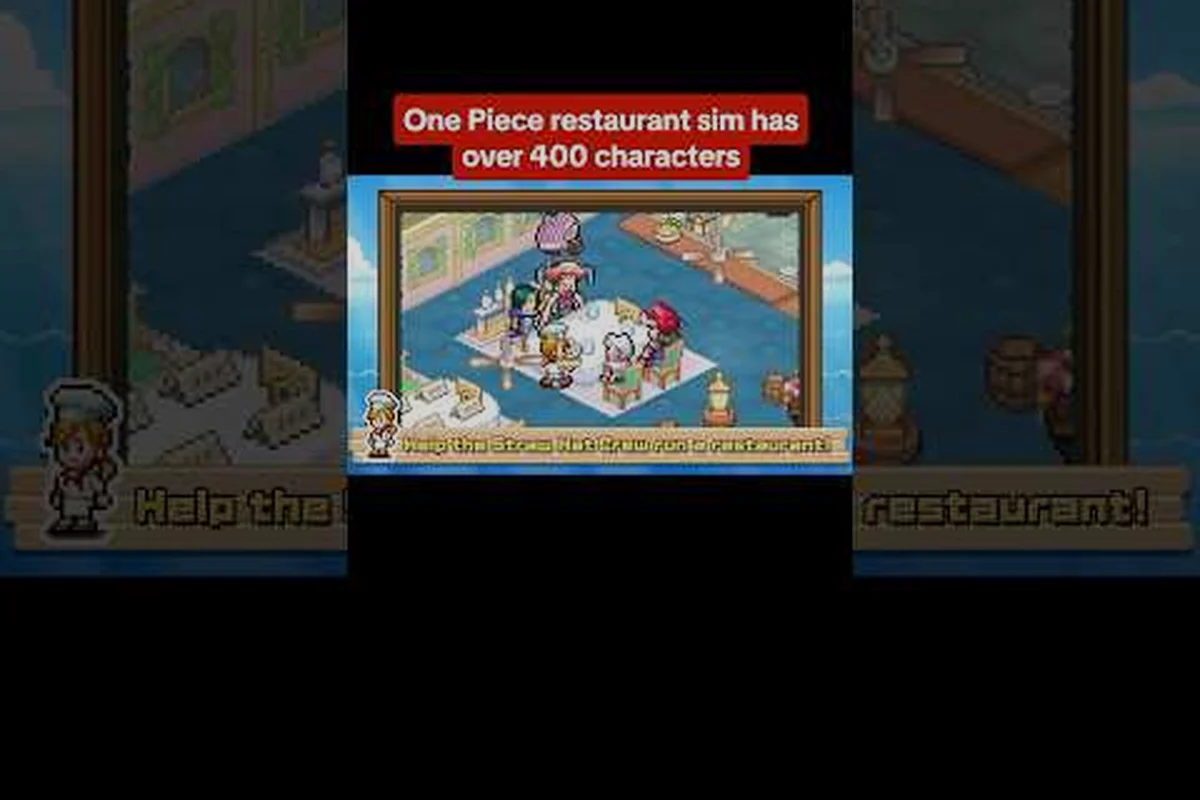
ONE PIECE: Grand Gourmet Beginner Tips That Matter At Launch
Essential beginner tips for ONE PIECE: Grand Gourmet: first-week habits, common mistakes to skip, and basics explained. Design halls guests adore.
ONE PIECE: Grand Gourmet Launch Day Checklist Day One Ready
Your launch day checklist for October 22: day 1 tips, first hours goals, tutorial shortcuts, and realistic time-to-beat expectations. Be ready at go-live.
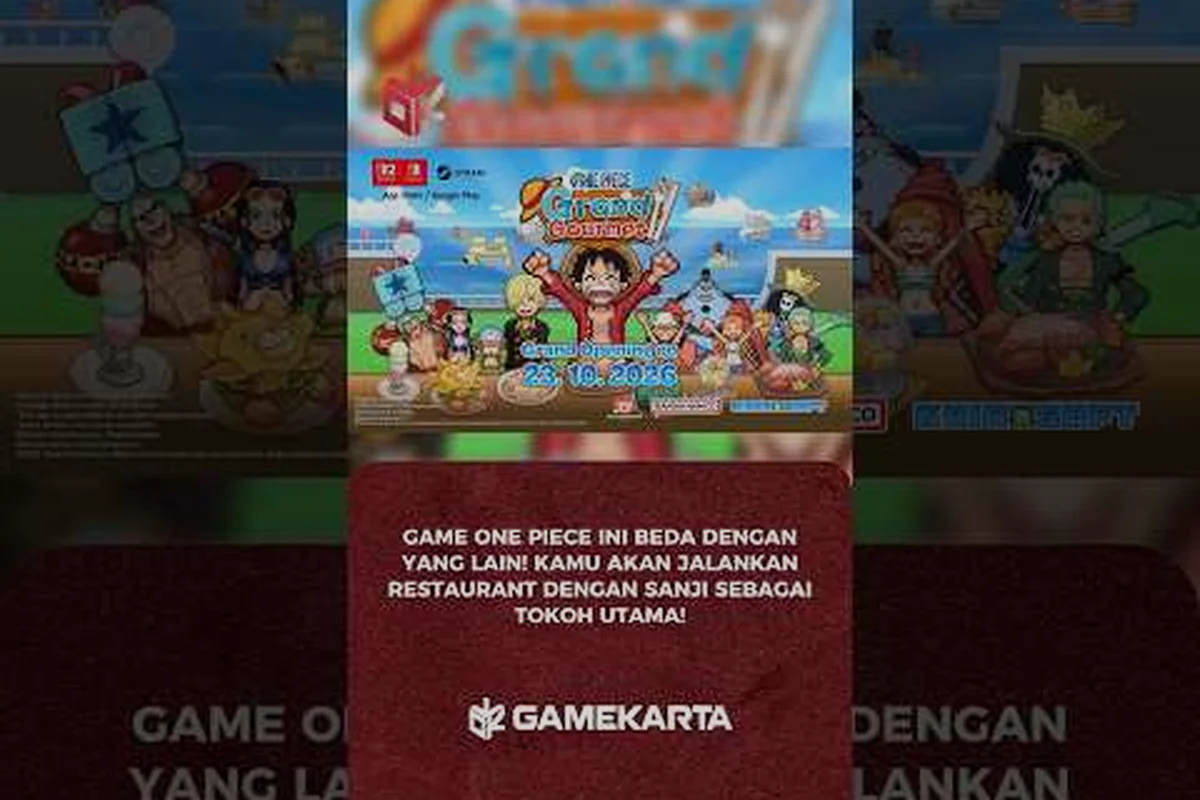
ONE PIECE: Grand Gourmet Cloud Saves Achievements Goals
Cloud saves via Steam Cloud, achievements hunting, trophy-style completion goals, and what a 100 percent run of Grand. Smarter zones, faster service.
All Articles
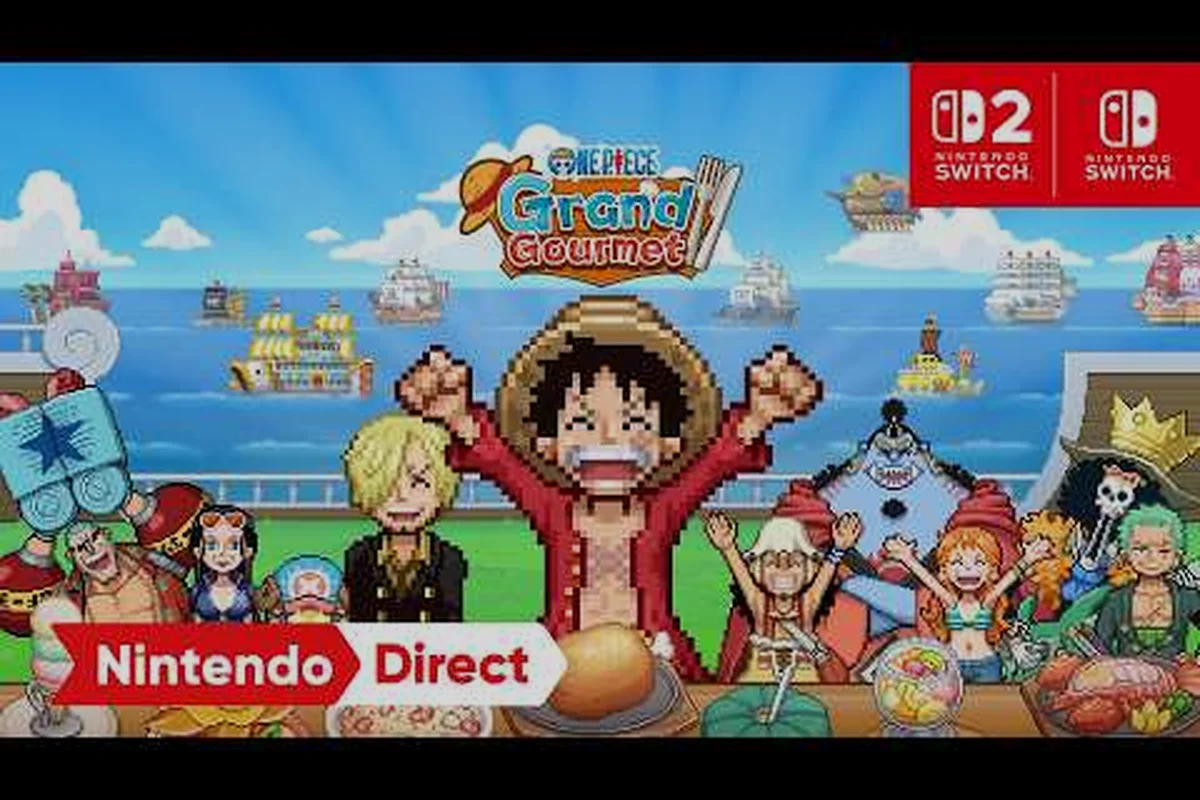
ONE PIECE: Grand Gourmet Controls Guide Touch Pad And Docked
Every control scheme compared: touch controls on mobile, controller support on Steam, handheld vs docked play, and offline play facts. Pick your perfect setup.
ONE PIECE: Grand Gourmet Difficulty Guide How Hard It Gets
A difficulty guide for Kairosoft newcomers: auto-balance expectations, easy-mode feel, save file limits, and autosave. Start week one with confidence.
ONE PIECE: Grand Gourmet What Not To Do Early Mistakes
Avoid early regrets: what not to do in ONE PIECE: Grand Gourmet, from wasteful purchases to pre-launch prep mistakes new. Style a hall worth screenshots.

ONE PIECE: Grand Gourmet Endgame Guide Post Game Plans
The endgame guide for late hours: post game goals, replay value, NG+ style challenges, and idle time management after credits roll. Finish the guest book first.